Author: Digvijay Singh Kanwar
Kiwi App Review: Features, Rewards, and Is It Legit?
Kiwi is an Indian fintech app that lets users make RuPay credit card payments through UPI, earning cashback on everyday scan-and-pay transactions. It’s a legitimate app built on the RuPay credit-card-on-UPI framework introduced by the National Payments Corporation of India, though user reviews on cashback eligibility have been mixed. Key Takeaways Kiwi gives you a…

Is Navi App Safe? A Full Safety Review
Navi is generally considered a legitimate app, since Navi Finserv Limited is registered as a Non-Banking Financial Company (NBFC) and is regulated by the Reserve Bank of India. That said, Navi has faced RBI action in the past, so it’s worth understanding both its credentials and its track record before borrowing. Key Takeaways Navi is…
Is the CRED App Safe to Use?
CRED is generally considered safe to use for paying credit card bills and tracking your credit score, since it uses bank-grade encryption and partners with RBI-regulated banks and payment processors to handle transactions. As with any financial app, it’s worth understanding how it works before linking your cards. Key Takeaways CRED is operated by Dreamplug…
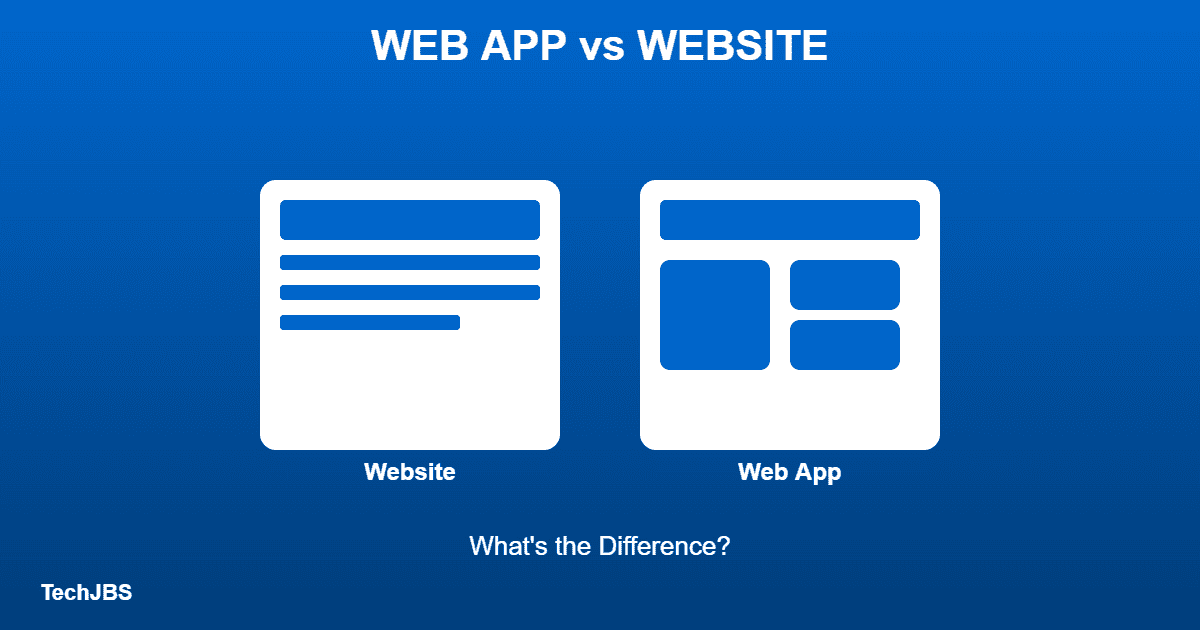
Web App vs Website: What’s the Difference?
A website is a collection of static or dynamic pages you view in a browser, while a web app is an interactive program that runs in the browser and lets you perform tasks, like editing a document or managing an account. The key difference is interactivity: websites mainly display information, while web apps let you…
How to Download WhatsApp Status Without Using an App
You can download WhatsApp Status updates without installing any third-party app by using WhatsApp’s own built-in save feature. Open the status, tap the three-dot menu, and select Save, or use the Save button under Status Updates on newer versions of WhatsApp. Key Takeaways Respect privacy and copyright before you save someone’s status. Use official features…
How to Enable Dark Mode in the Kindle App
To enable dark mode in the Kindle app, open the app, tap More, then Settings, then Color Theme, and select Dark. This darkens the library and menus on both iOS and Android. For the reading page itself, open a book, tap the Aa icon, then choose the black background under Layout. Key Takeaways The Kindle…
How to Turn On Dark Mode in Gmail on iOS
To turn on dark mode in Gmail on iOS, open the Gmail app, tap the menu icon, go to Settings, then Theme, and select Dark. You can also choose System Default so Gmail follows your iPhone’s overall appearance setting automatically. Key Takeaways Gmail on iPhone can follow your system theme or use its own theme…
How to Download and Install Apps on a Laptop
To download and install an app on a laptop, get the installer from the official source, either the Microsoft Store on Windows or the App Store on Mac, or the developer’s own website, then run the downloaded file and follow the on-screen setup steps. This applies whether you’re on Windows or macOS, though the exact…
How to Download Apps on iPhone XR
To download apps on an iPhone XR, open the App Store, tap Search, find the app you want, then tap Get (for free apps) or the price (for paid apps), and confirm with Face ID or your Apple ID password. The app installs automatically and appears on your Home Screen. Key Takeaways Open the App…
How to Log Out of the Amazon App on Any Device
To log out of the Amazon app, open the app, tap the menu icon in the bottom toolbar, scroll to the bottom of the menu, and tap Sign Out. This signs you out on that one device only. If you want to sign out everywhere at once, you’ll need to either deregister individual devices or…