The best free antivirus apps for Android in 2026 include Avast Mobile Security, Bitdefender Mobile Security, and Kaspersky Mobile Antivirus, each adding malware scanning beyond Google Play Protect. All three offer solid free tiers with ads, while paid upgrades add VPN access and extra scanning features.
Key Takeaways
- Free antivirus apps add a second scanning layer on top of Google Play Protect.
- Avast, Bitdefender, and Kaspersky all offer well-reviewed free tiers for Android.
- Free versions typically include ads and limited extras compared to paid plans.
- Stick to well-known names; obscure “cleaner” apps sometimes contain malware themselves.
- None of these replace safe habits like avoiding sideloaded apps and suspicious links.
Best Free Antivirus Apps Compared
| App | Standout Feature | Free Tier Includes |
|---|---|---|
| Avast Mobile Security | Uses the same scanning engine as Norton | Malware scan, Wi-Fi scanner, remote wipe |
| Bitdefender Mobile Security | Low system overhead, minimal battery drain | Basic malware scanning, 14-day premium trial |
| Kaspersky Mobile Antivirus | Strong phishing link detection | Malware scan, app lock, anti-theft basics |
| AVG Antivirus Free | Simple interface, good for beginners | Malware scan, app lock, Wi-Fi security |
| Malwarebytes Security | Focuses heavily on ad and scam blocking | Malware scan, scam text detection |
Avast Mobile Security
Avast runs the same detection engine used in Norton’s paid products. The free version includes app scanning, a Wi-Fi security scanner, and remote data wipe if your phone is lost. It’s funded by ads, but the core protection stays strong without paying.
Bitdefender Mobile Security
Bitdefender is best known for its paid desktop antivirus, but its Android app offers a genuinely useful free tier too. It runs with minimal impact on battery life, which matters if you keep background scanning active all day. A 14-day trial unlocks premium features before reverting to the free tier.
Kaspersky Mobile Antivirus
Kaspersky stands out for catching phishing links before you tap them. Its free tier covers malware scanning and basic app locking, which pairs well with the “harmful app blocked” warnings Android already shows you.
How to Choose Between Them
If battery life matters most, Bitdefender’s lightweight scanning is the strongest pick. If you want built-in Wi-Fi security checks, Avast covers that directly in its free tier. If phishing links worry you more than malware itself, Kaspersky’s detection focuses there specifically.
All three integrate fine alongside Google Play Protect rather than replacing it. Running both isn’t redundant; it simply adds a second set of eyes scanning for threats.
What to Avoid
Skip any “antivirus” app with few downloads, no clear developer information, or reviews complaining about excessive permissions. Some apps claiming to scan for viruses are actually malware themselves, disguised specifically to exploit users searching for protection.
If you’re still deciding whether you need any of these at all, our guide on whether you really need antivirus on your phone breaks down when built-in protection is enough. For broader account security beyond your device, see what Google’s Advanced Protection Program adds for high-risk users. Browse more comparisons in the App Alternatives section on TeckJBS.
Do You Need a VPN Alongside Antivirus?
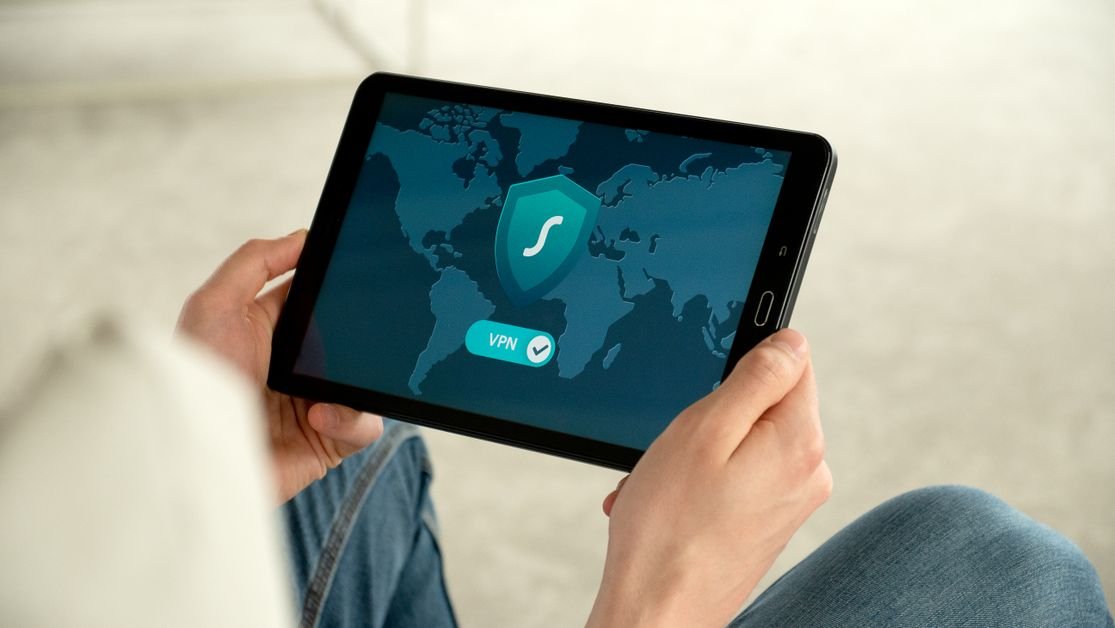
Antivirus and VPN solve different problems. Antivirus scans for malware already on your device. A VPN encrypts your internet traffic, which matters most on public Wi-Fi at cafes or airports. Several apps on this list, including Avast, bundle a basic VPN into paid tiers.
If you rarely use public Wi-Fi, a standalone VPN probably isn’t necessary. If you work from coffee shops or travel often, pairing antivirus with a dedicated VPN app closes a gap neither one covers alone.
Official Sources and Further Reading
Compare independent test results and read Google’s own help: AV-TEST independent lab, Google Play Help. TechJBS is independent and not affiliated with these organizations or with the apps listed. Features and free tiers change, so confirm details in each app’s store listing.
Frequently Asked Questions
Is free antivirus as good as paid antivirus on Android?
For core malware detection, yes, free tiers from established names cover the basics well. Paid versions mainly add extras like VPN access, ad blocking, or priority customer support.
Do I need more than one antivirus app at once?
No. Running two full antivirus apps simultaneously can cause conflicts and battery drain. Pick one alongside Google Play Protect instead of stacking multiple apps.
Which free antivirus app uses the least battery?
Bitdefender Mobile Security is generally praised for its low system overhead and minimal impact on battery life compared to other free options.
Can free antivirus apps protect against phishing texts?
Some do. Kaspersky and Malwarebytes both include link and scam-text detection in their free tiers, catching threats beyond traditional malware.
Are ads in free antivirus apps a security risk?
Not typically from well-known developers like Avast or AVG, since their ad networks are vetted. Still, obscure apps with aggressive ads are worth avoiding entirely.
Does installing antivirus slow down my Android phone?
Lightweight apps like Bitdefender have minimal impact. Heavier suites with constant background scanning can affect performance more noticeably on older devices.
Should I uninstall Google Play Protect if I install a third-party antivirus?
No, and you can’t uninstall Play Protect anyway since it’s built into Android. Running it alongside a third-party app simply adds extra scanning coverage.


