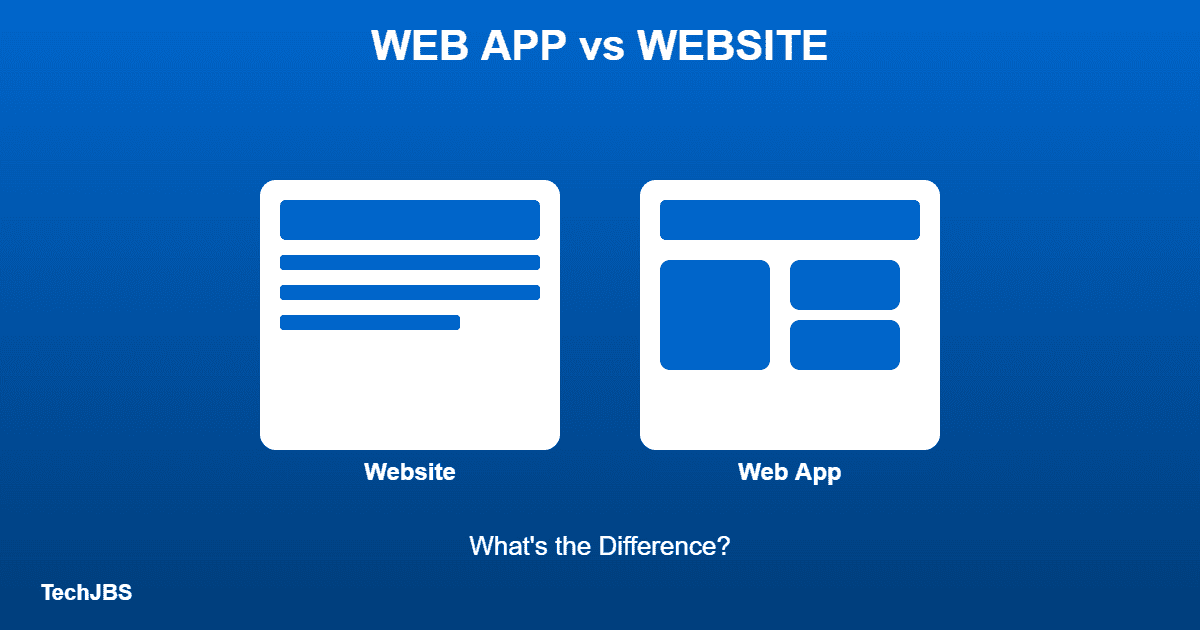
A website is a collection of static or dynamic pages you view in a browser, while a web app is an interactive program that runs in the browser and lets you perform tasks, like editing a document or managing an account. The key difference is interactivity: websites mainly display information, while web apps let you do something with it.
Key Takeaways
- A website mainly shows content, while a web app lets you do tasks.
- Progressive web apps can be installed from a browser.
- Native apps come from app stores and can use more device features.
- Web apps need no download but often need internet.
- Choose based on what you need to do.
What Makes a Website a Website
A website typically consists of linked pages containing text, images, and navigation menus. Examples include news sites, blogs, and company homepages. Additionally, most websites are read-focused, meaning visitors browse and consume content rather than actively manipulate data.
What Makes a Web App a Web App
A web app behaves more like software: it responds to user input, stores and updates data, and often works without a full page reload. Examples include email clients like Gmail, project boards like Trello, and online spreadsheet tools. Consequently, web apps focus on functionality and interaction rather than just displaying content.
Key Differences at a Glance
Websites are generally simpler to build and mostly one-directional, sending information to the visitor. In contrast, web apps involve two-way interaction, processing user actions and often storing data in a database behind the scenes. Furthermore, web apps typically require user accounts or logins, while most websites don’t.
Can Something Be Both?
Yes. Many modern sites blend both categories. An online store, for example, has website-like product pages alongside web-app features like a shopping cart, account dashboard, and checkout process. Therefore, the line between the two isn’t always sharp, especially with mixed marketing sites and mixed use sites.
Why the Distinction Matters
Understanding the difference helps when choosing how to build a new project. If you mainly need to share information, a website is usually faster and cheaper to build. However, if users need to log in, save data, or interact with a system, you’ll need web app functionality instead.
Real-World Examples That Blur the Line
Online banking portals are a good example of the overlap: the marketing pages describing account types behave like a website, while the actual login dashboard where you transfer money and pay bills behaves like a web app. Additionally, social media platforms follow a similar pattern, with public profile pages acting website-like and the logged-in feed and posting tools acting app-like.
How This Affects Development Choices
Building a website generally involves simpler tools focused on content and design, while building a web app requires additional work like user authentication, databases, and application logic. Consequently, teams often start with a website-first approach and add web-app features incrementally as a product’s needs grow, rather than building full app complexity from day one.
Ultimately, the label matters less than understanding what a product actually does; focus on whether you need to simply share information or let users interact with data before deciding which approach fits your project.
When in doubt, ask what the primary purpose is: sharing information points toward a website, while enabling a task or transaction points toward a web app.
Website vs Web App vs Native App
| Type | Install | Best for |
|---|---|---|
| Website | No | Reading and browsing |
| Web app | No, or add to home screen | Tools, dashboards, forms |
| Progressive web app | Installable from browser | App-like use without a store |
| Native app | App store download | Heavy features and device access |
Which Should You Use?
Use a website for reading. Use a web app for tasks you do in a browser. Additionally, install a native app if you need offline use or deep phone features. Check the permissions before you install.
Official Sources and Further Reading
Read the developer documentation: MDN: Progressive web apps. TechJBS is independent and not affiliated with these organizations.
Frequently Asked Questions
Is a blog a website or a web app?
A blog is typically a website, since it mainly presents articles for reading. It only becomes web-app-like if it includes interactive features like comment systems or user accounts.
Do web apps need an internet connection?
Most web apps require an internet connection to load and sync data, though some use offline capabilities through modern browser technology to work temporarily without one.
Is a mobile app the same as a web app?
No. A mobile app is installed directly on your phone from an app store, while a web app runs inside your browser and requires no installation.
Which is cheaper to build, a website or a web app?
Websites are generally cheaper and faster to build since they involve less backend logic. Web apps cost more due to the added complexity of user accounts, databases, and interactive features.
Is a web app the same as a PWA?
No. A progressive web app is a web app with install and offline features.
Do web apps work offline?
Some do through service workers. Many need internet.
Which is safer, a web app or a native app?
Both can be safe. Check the developer, permissions and reviews.
Want more app comparisons? Browse our App Guides section, check App Alternatives, or read our guide on downloading apps on a laptop.


